
Psiphon
Psiphon is a free and open-source internet censorship circumvention tool for Windows that connects you to blocked websites through its own network.
10.8 MB

Speedify is a channel bonding VPN from Connectify that combines Wi-Fi, Ethernet and mobile connections for a faster, more stable link.
Average 0.0 · ratings: 0
Thank you! Your rating is saved; you can change it. Could not save the rating. Please try again later. Too many ratings from your network today. Please try again tomorrow. The average appears after 5 ratings.
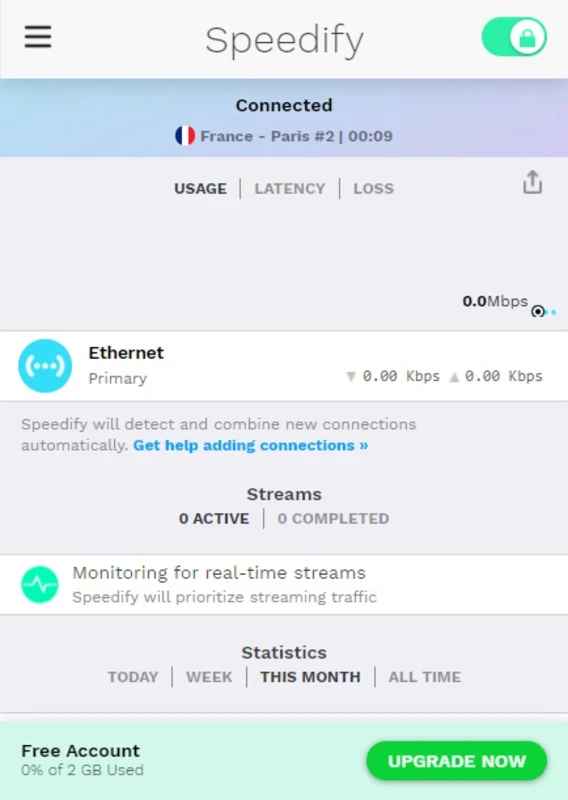
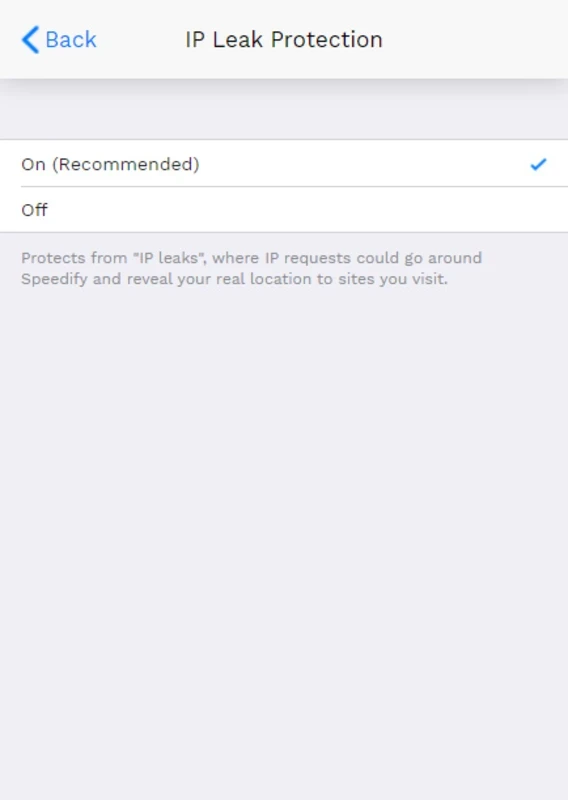
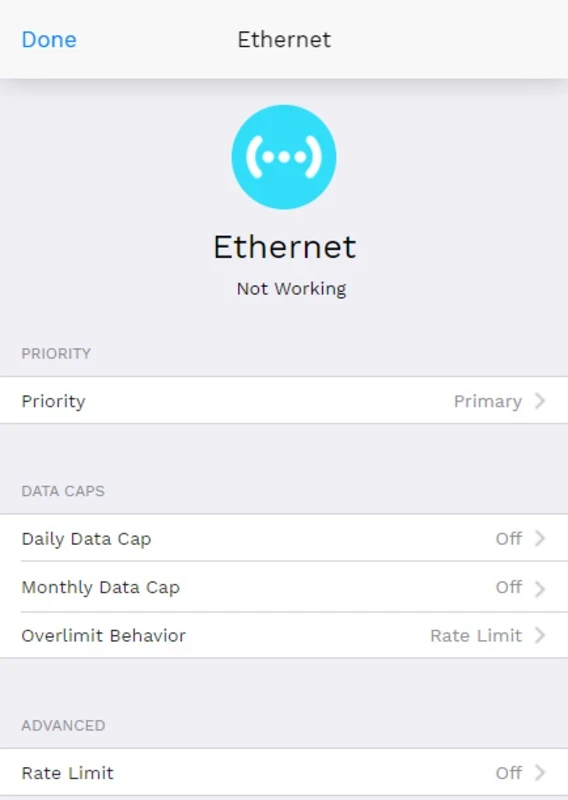
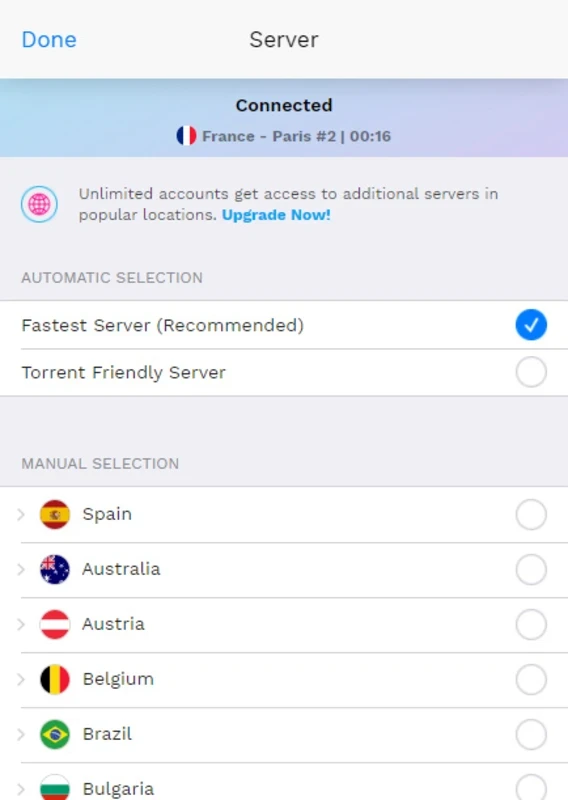
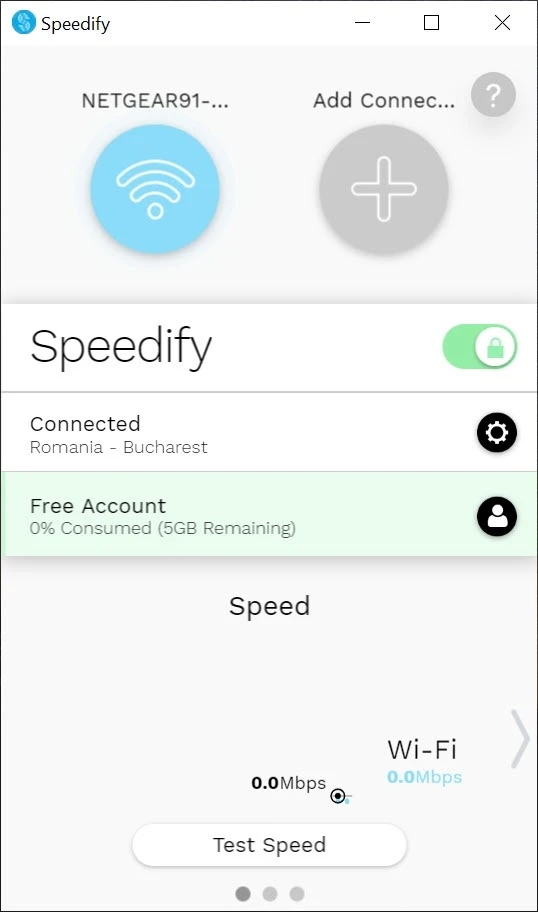
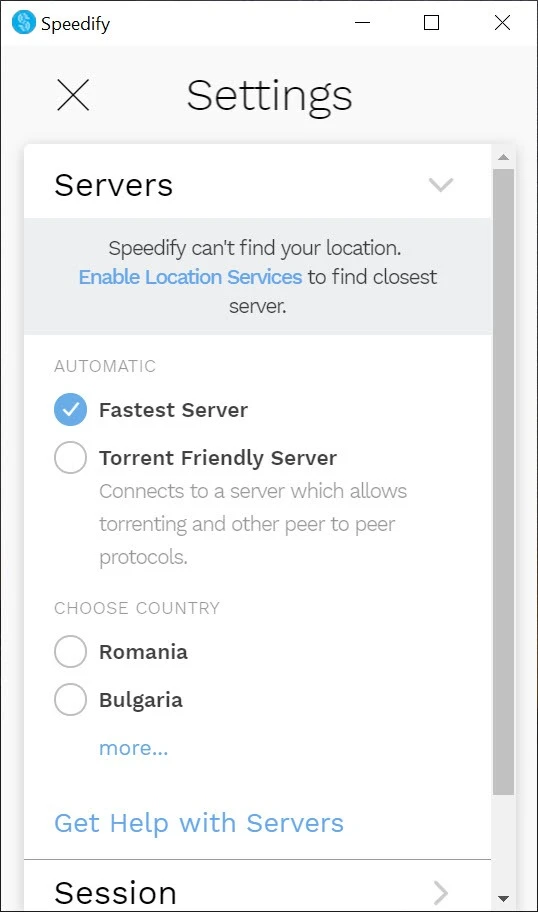
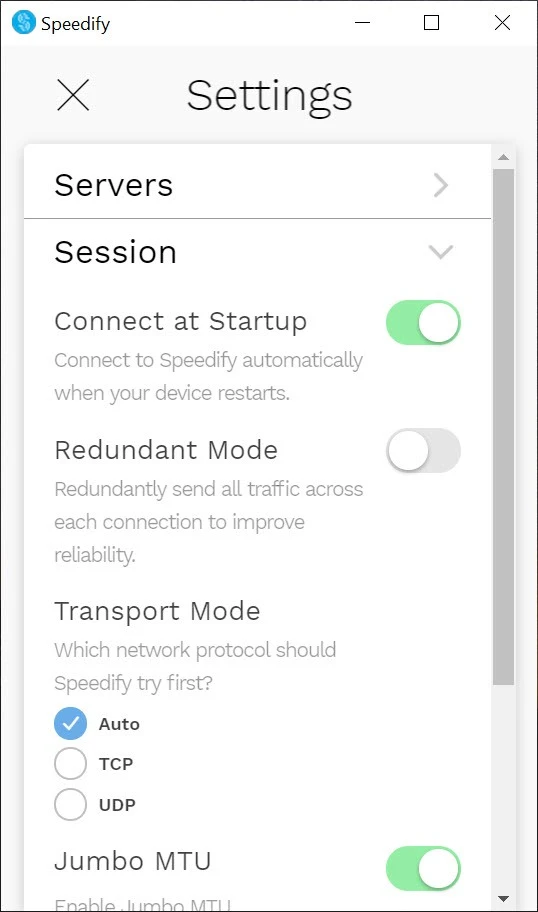
Speedify 17.1.0.13904 is a channel bonding service from Connectify Inc. that combines several internet connections into one faster and more reliable link. You can download Speedify for Windows from the official site and start with free monthly data before choosing a plan.
| Item | Details |
|---|---|
| Version | 17.1.0.13904 |
| Developer | Connectify Inc. |
| Type | Channel bonding service, VPN |
| Windows | Windows 10 or later |
| Other platforms | macOS 11.5+, Android 9.0+, Ubuntu, Debian, Raspberry Pi OS |
| Free usage | First 2 GB of data every month |
| Size | about 10.55 MB according to catalogue data |
Most PCs use one connection at a time. If Wi-Fi drops or slows down, your call or stream suffers, even if a phone with mobile data lies on the desk. Speedify uses all available connections together: Wi-Fi, Ethernet, a USB-tethered phone or a second Wi-Fi adapter. It splits traffic across them through its own servers and puts it back together, so the bandwidth adds up and, more importantly, a failing link does not interrupt the session. For live streaming, video calls from trains or cafés, and work from places with unreliable internet, that redundancy is the main selling point. Because traffic passes through Speedify's servers, it is also encrypted like a VPN. The trade-off is that every connection you add may consume data, which matters with mobile plans, and your traffic depends on the provider's servers. Version 17 is described in the Speedify 17 release notes.
According to the official download page, Speedify needs Windows 10 or later, macOS 11.5 or later or Android 9.0 or later, and it is available for Ubuntu, Debian, Raspberry Pi OS and other Debian-based Linux distributions.
Bonding works best with connections that do not share the same weak point: a fixed line plus mobile data is better than two Wi-Fi networks from the same router. Set the mobile link as a backup in the settings if you only want it used when the main line fails; that keeps data costs down. For streaming, run a short test broadcast first to see how the combined link behaves.
Every month, 2 GB of Speedify data are free; paid plans offer unlimited usage.
Download only from speedify.com. Like any VPN, the service can technically see the traffic that passes through it, so read its privacy policy. Watch mobile data usage if you bond a phone connection.
Classic VPNs on our site include Proton VPN, Windscribe VPN, CyberGhost and Mullvad VPN; Connectify Hotspot comes from the same developer.
Psiphon is a free and open-source internet censorship circumvention tool for Windows that connects you to blocked websites through its own network.

1111 Warp VPN is Cloudflare's WARP client for Windows, which encrypts DNS and traffic between your PC and Cloudflare's network.

Turbo VPN for Windows is a VPN client from Innovative Connecting that encrypts your connection and routes it through the provider's servers.

Proxifier is a Windows program by VentoByte that sends the network traffic of any application through a proxy server, even if the app has no proxy settings.

VPN Planet is a Windows VPN client from FreeVPNPlanet with a free option, available from its website and the Microsoft Store.

Radmin VPN is a free Windows program from Famatech that connects computers over the internet into a virtual local network, for LAN games and remote access.

v2rayN is a free, open-source Windows GUI client by 2dust for Xray, v2ray and sing-box proxy servers, with subscriptions and routing rules.

Hotspot Shield is a VPN app for Windows that encrypts your internet connection and changes your virtual location.